Busa CMS Template: Reviewing Multilingual AI Drafts Through ChangeRequests Before They Hit Production
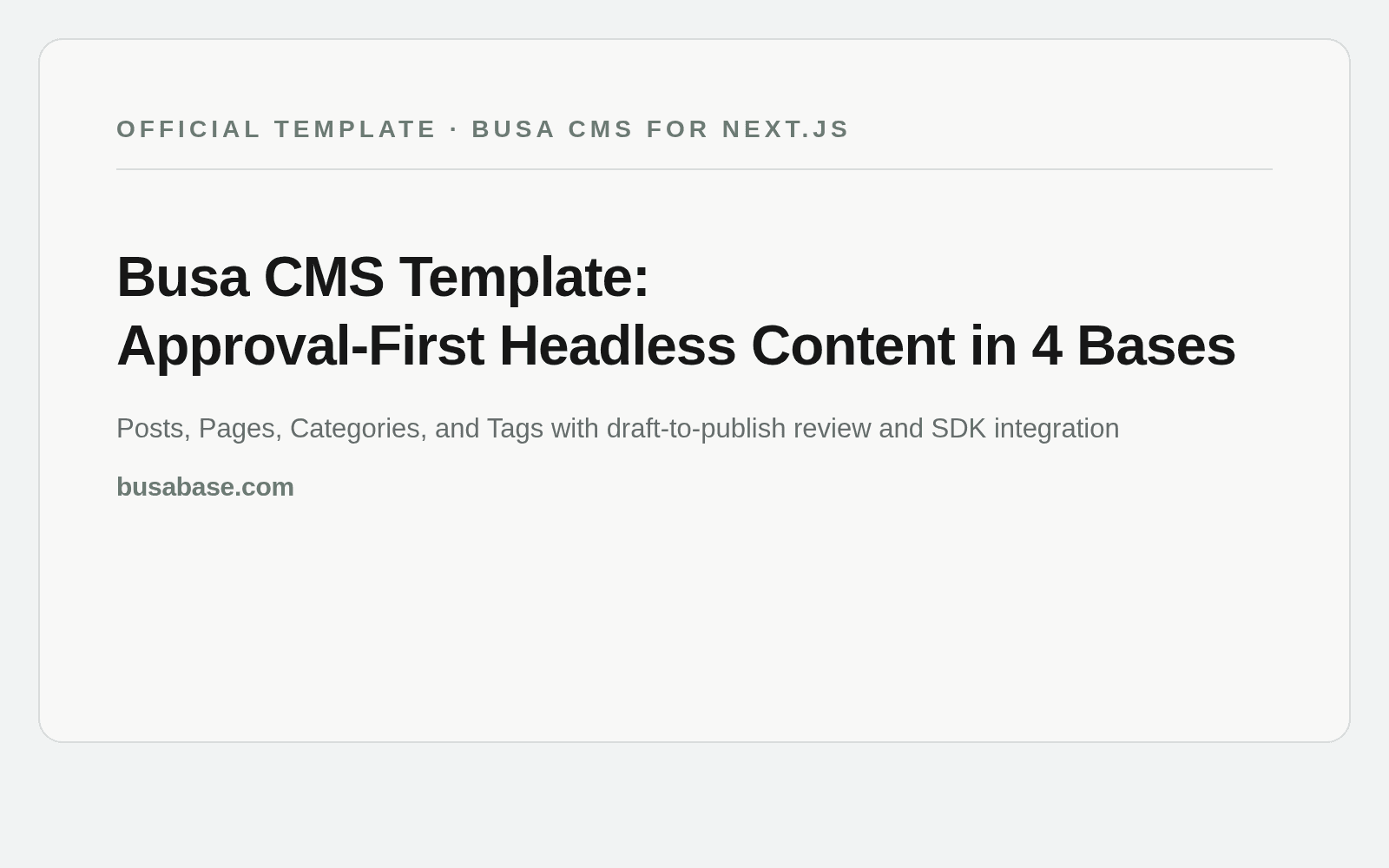
Use the 4-Base Busa CMS Template so AI agents draft posts and editors inspect every diff before publish.
When a content team lets AI agents draft articles, localize pages, and update metadata, things feel fast for the first week—until nobody can answer three basic questions: which language version was actually approved, whether the pricing page numbers were checked by finance, and what exactly went live last night.
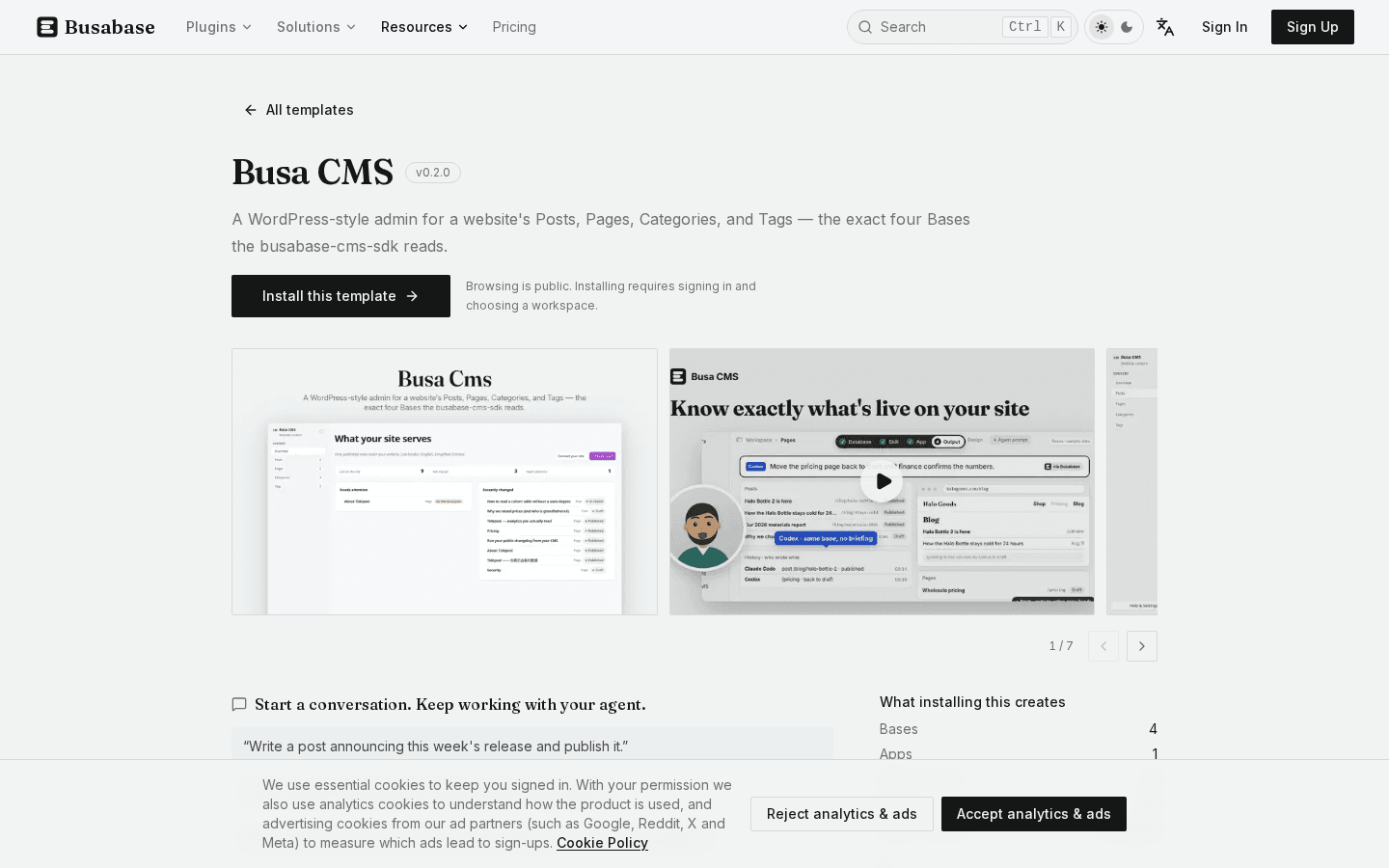
The official Busa CMS Template turns that chaotic handoff into a structured editorial pipeline. Out of the box, it sets up the exact four Bases (Posts, Pages, Categories, and Tags), one App, 21 sample rows, and 49 files that power a Next.js site via busabase-cms-sdk, while routing every AI draft and revision through ChangeRequest review before anything reaches production.
Where AI content pipelines break without a review layer
Most teams start with an agent writing Markdown into a shared folder or directly calling a CMS API. Both shortcuts break down as soon as multiple locales and reviewers enter the loop:
- Unreviewed edits slip into live pages: A minor tweak to a pricing note or FAQ overwrites approved copy without a visible diff.
- Locale drift: English updates ship on Tuesday, while Chinese and Japanese versions stay stuck on last month's numbers.
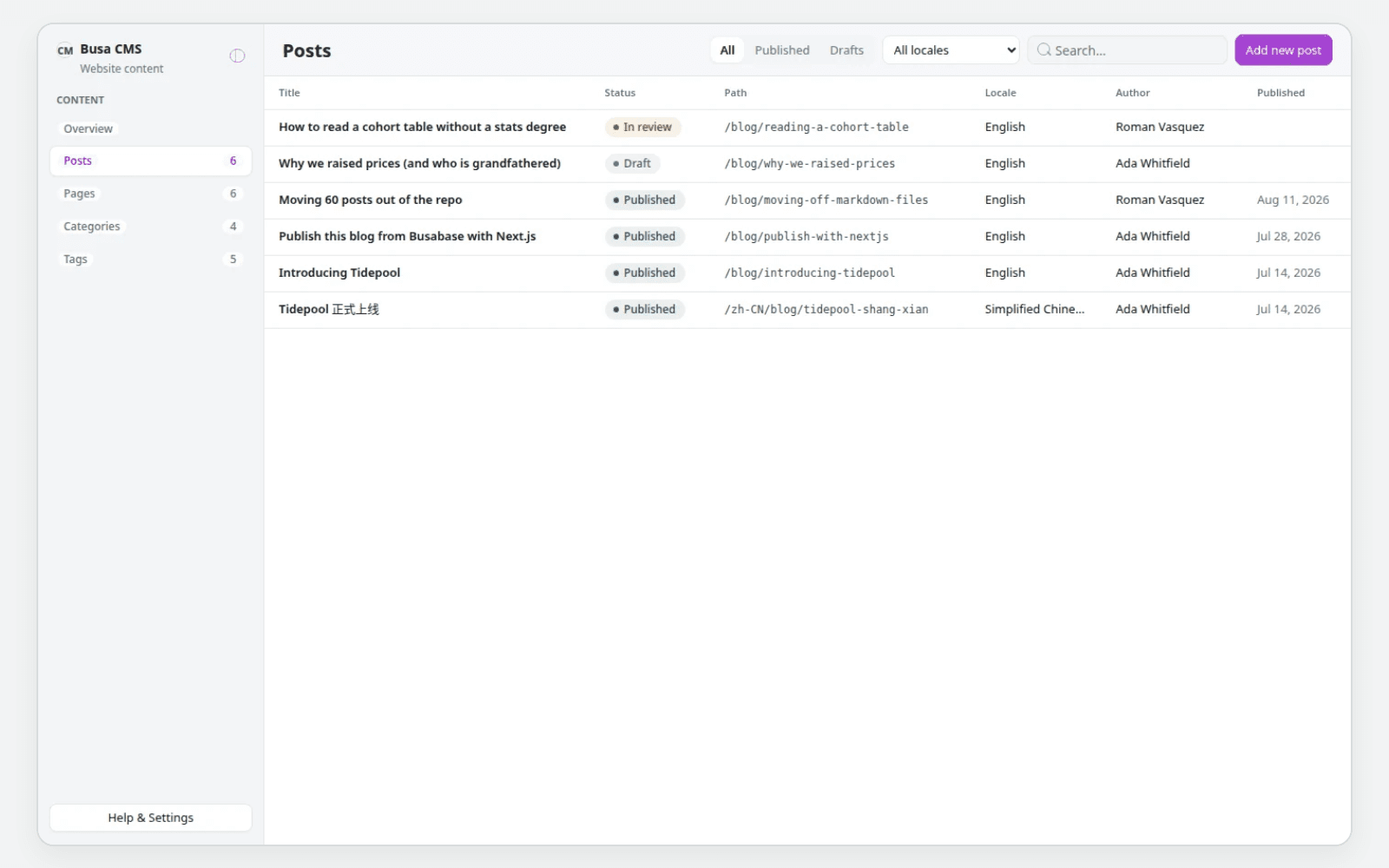
- Status confusion: Drafts, ready-to-review items, and published records live in different docs with no single status column.
Inside the Busa CMS Template workspace
Installing Busa CMS creates a ready-to-run editorial workspace without building schemas from scratch:
- Posts & Pages: Store titles, slugs, locales, SEO descriptions, body copy, and workflow statuses cleanly across blog articles and evergreen marketing pages.
- Categories & Tags: Keep taxonomy consistent across languages so agents never invent duplicate tags or broken archive routes.
- Built-in App & 21 sample rows: Lets editors and agents immediately test prompts like "Which pages are published without an SEO description?" or "Move the pricing page back to draft until finance confirms the numbers."
The 3-step editorial loop: draft, diff, publish
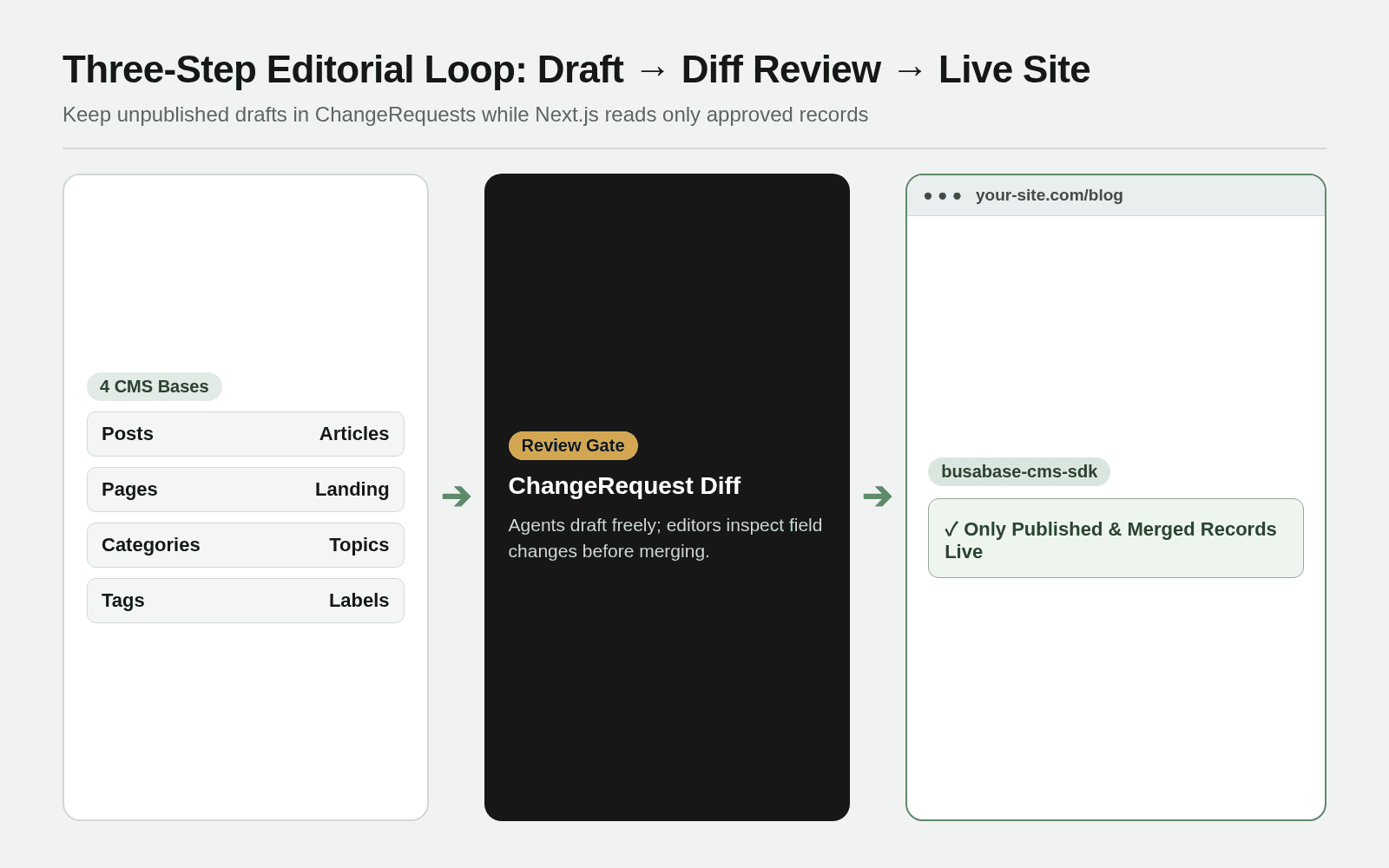
- Agent drafts or localizes via ChangeRequest: When you ask your agent to draft a release post or translate an article, it proposes structured record changes in
PostsorPagesrather than mutating live copy. - Editor inspects the diff in one view: Reviewers check the exact before/after changes, SEO description, category links, and status transitions without hunting through chat logs.
- Approved records sync to your site: Once merged, your Next.js frontend reads only canonical approved records through
busabase-cms-sdk—keeping unapproved AI drafts strictly separated from live production.
For more on how Busabase enforces human sign-off on agent writes, read What Makes an Agent Write Authoritative or explore other ready-made workspaces in Busabase Templates.
Frequently Asked Questions
What does installing the Busa CMS Template create?
It creates 4 Bases (Posts, Pages, Categories, Tags), 1 App, 21 sample rows, and 49 files—the exact structure busabase-cms-sdk expects for a Next.js website.
Can editors roll back or hold a page without touching code?
Yes. As shown in the template's built-in prompts, an editor or agent can propose moving any record (such as a pricing page) back to draft status via a ChangeRequest, review the diff, and merge the update cleanly.
How does this keep multilingual posts from drifting?
Every locale version lives as a structured record linked to the same taxonomy (Categories and Tags) with explicit status tracking, so editors can spot missing SEO descriptions or unmerged translations at a glance.