The Base for Agents
Connect every agent you use and let them share skills. What they make — data, docs and apps — stays in one open-source base your team owns.
 Claude Code
Posts
Scheduled posts, visuals, and status.
Read from: ProductsOne shared base, six ways to use it
Everything your agents need, in one base.
Agents know what the company knows
Products, customers and policies live in one place — any agent finds them in one search.
Do the work once
No re-explaining, no re-researching: what one agent wrote, the next one builds on.
Scattered work, gathered
Agent output, data from your systems and the spreadsheets on people's laptops land in one Space.

 The agents you useClaude Code, Codex, Cursor — 40+ in all
Your shared base
Sales
Support
Engineering
Finance




 and more agents and tools
Why agent work keeps evaporating
Keep your AI work in the company, not in chat histories
Your team already uses AI, and the work gets done — but it scatters across personal chat windows and leaves when people do. Busabase keeps it as data, docs, skills, and apps the whole company can reuse.
Without Busabase
AAmy · ChatGPT
Draft this week's quote for Acme
BBen · Claude
Q3 customer list is cleaned up
CChris · Cursor
Data cleanup script finished
Left the companyDDana · Gemini
Meeting notes: go with pricing B
The work sits in personal chat windows, and leaves when people do
With Busabase
- Customerswritten by Ben
- Quoteswritten by Amy
- Meeting noteswritten by Dana
- CRM appreads the same data
- Data cleanup skillleft by Chris
It lands in one workspace, and stays after people leave
Results stay in a chat log nobody finds again
They land in tables, docs, and apps you can open tomorrow
Every session starts from zero
The next agent reads what the last one wrote
When someone leaves, their work goes too
The work stays with the company
Data · Knowledge · Apps · Skills · Playbooks · External Agents
One workspace for people and agents.
What agents write, the rules they follow, and the agents themselves — all in one workspace.
Bases
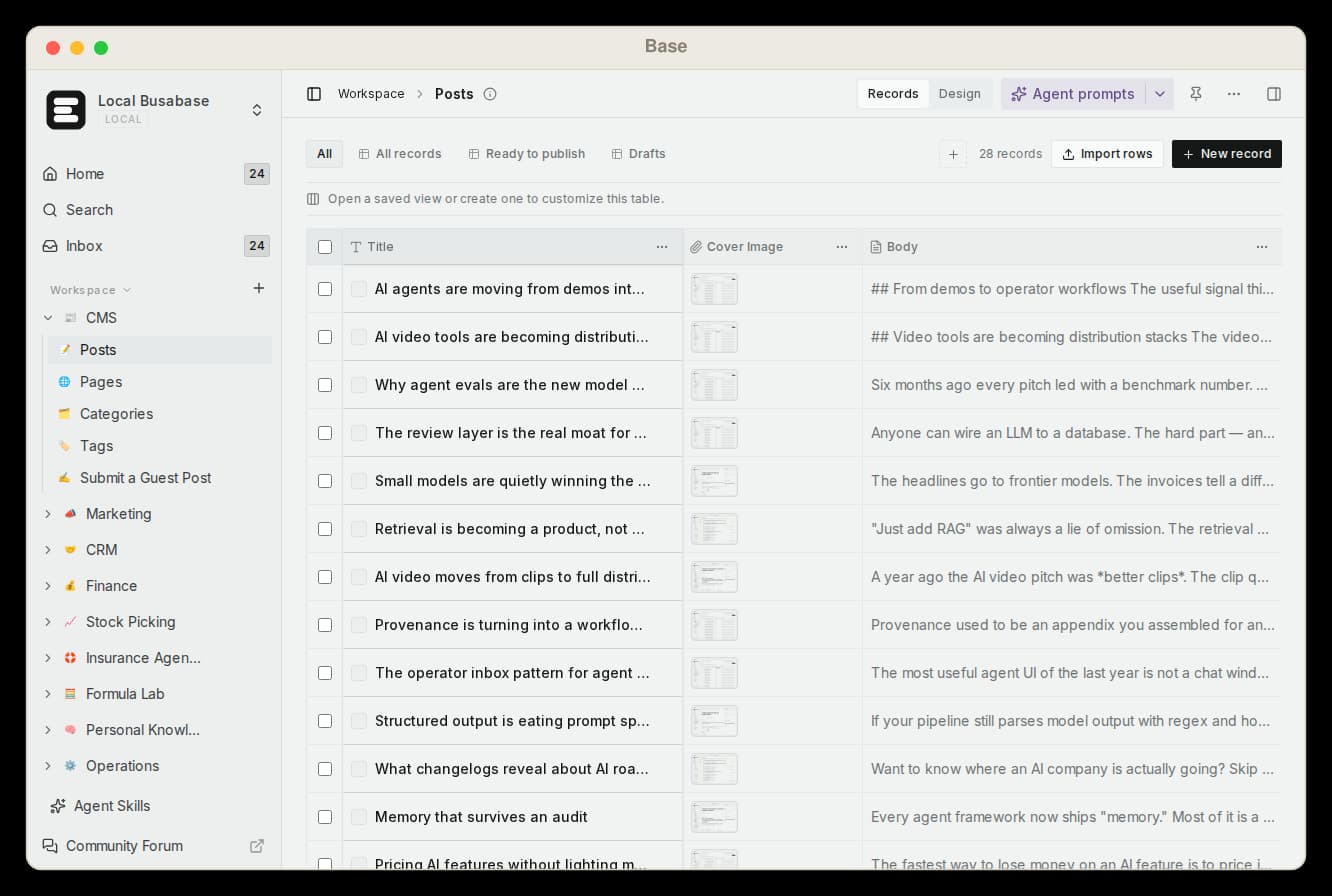
Data Base
Customers, projects, and inventory in tables with fixed columns — every agent reads and writes the same fields.
Docs
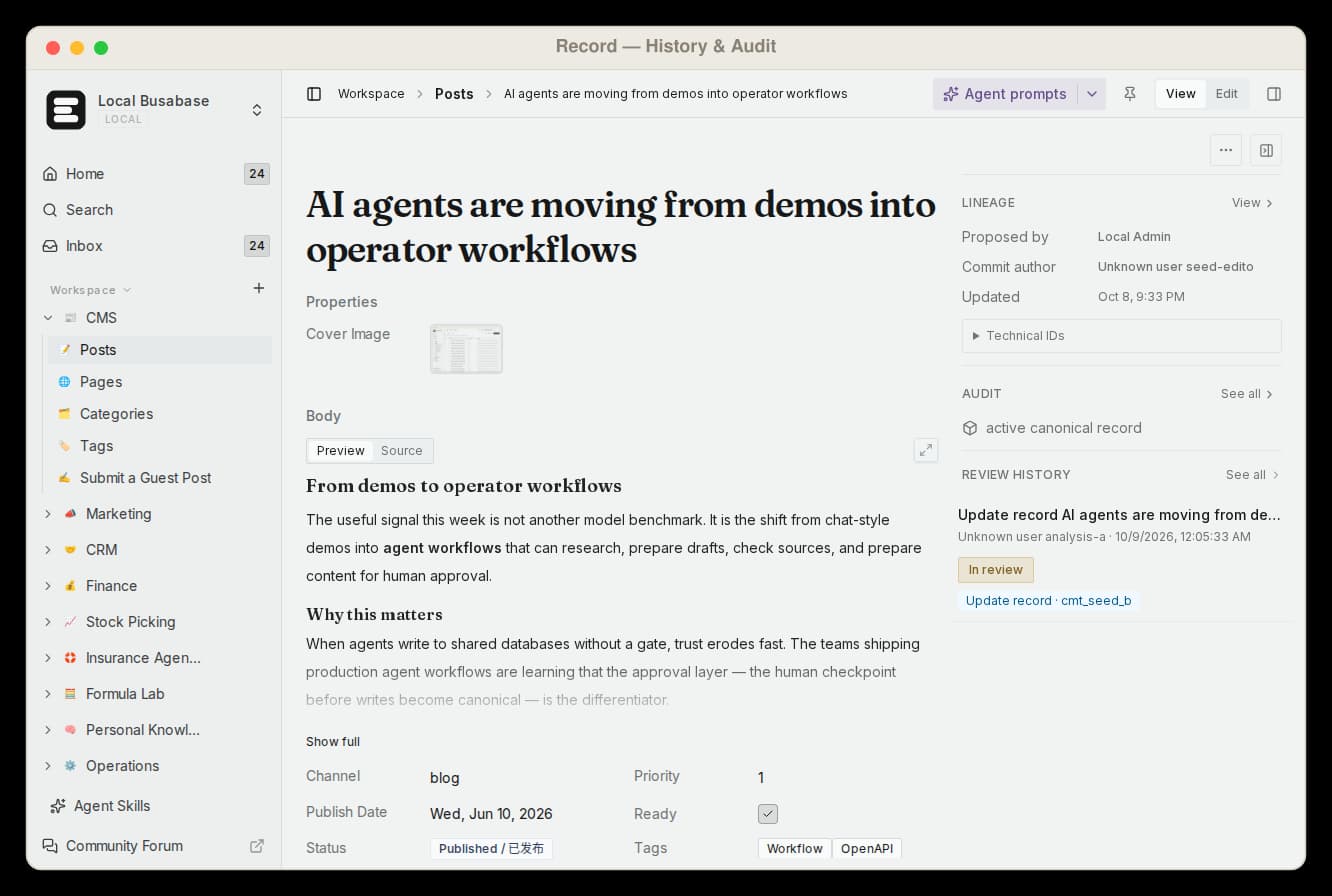
Knowledge Base
The team's shared memory: answers you can find, with a source, that someone checked.
AirApps
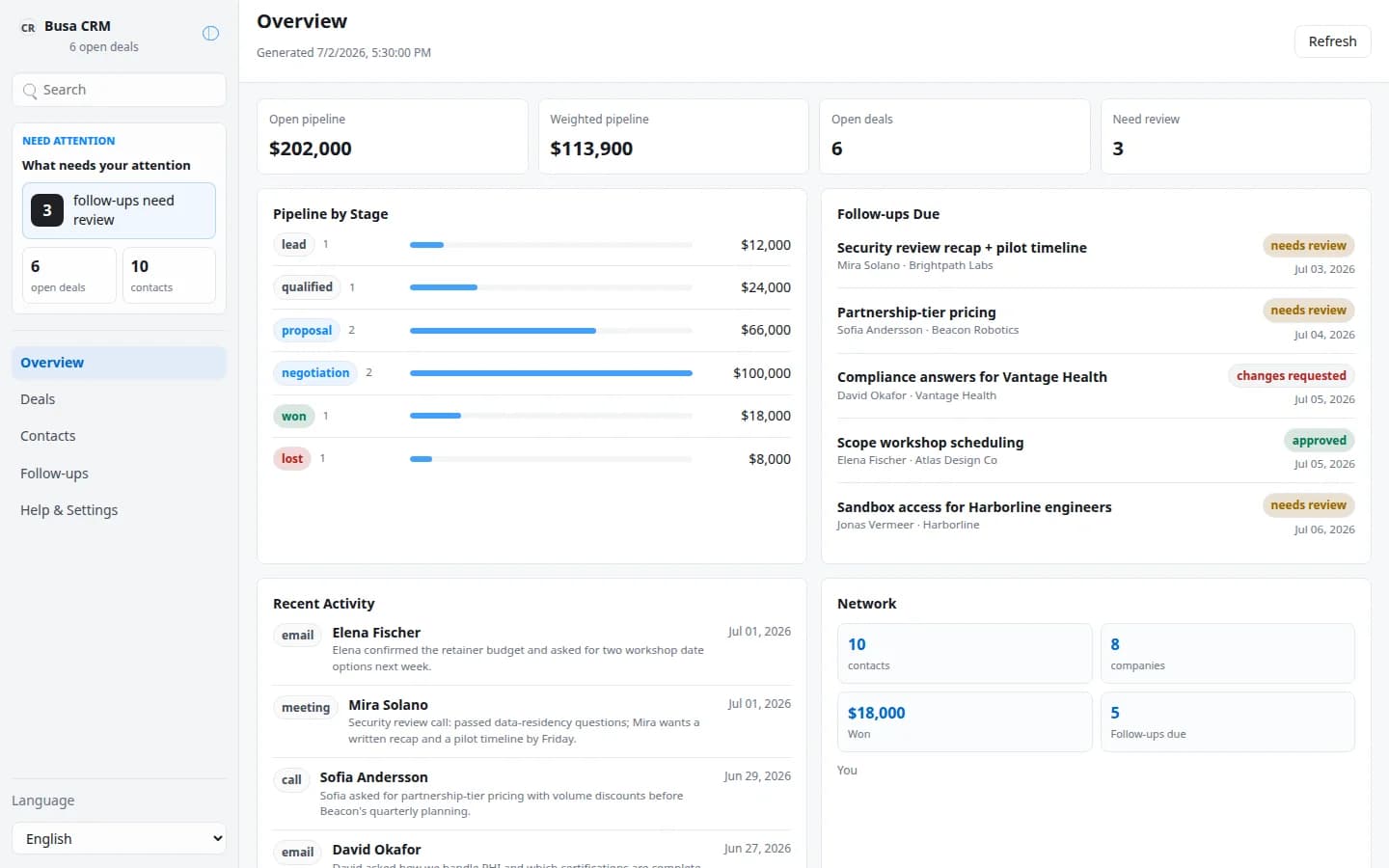
Apps Base
Your internal tools in one place, built on the same data, so every screen shows the latest version.
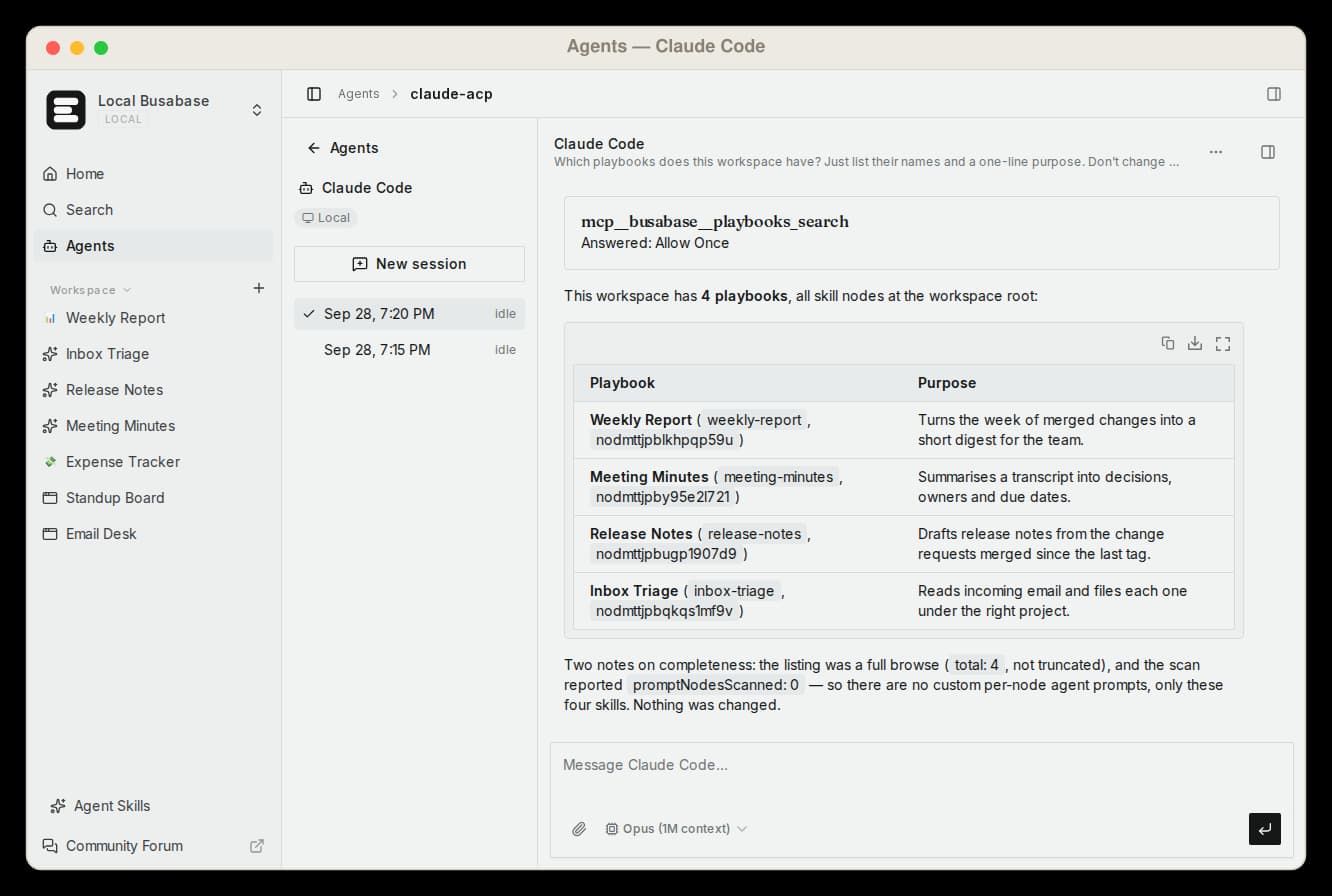
Agent Skills
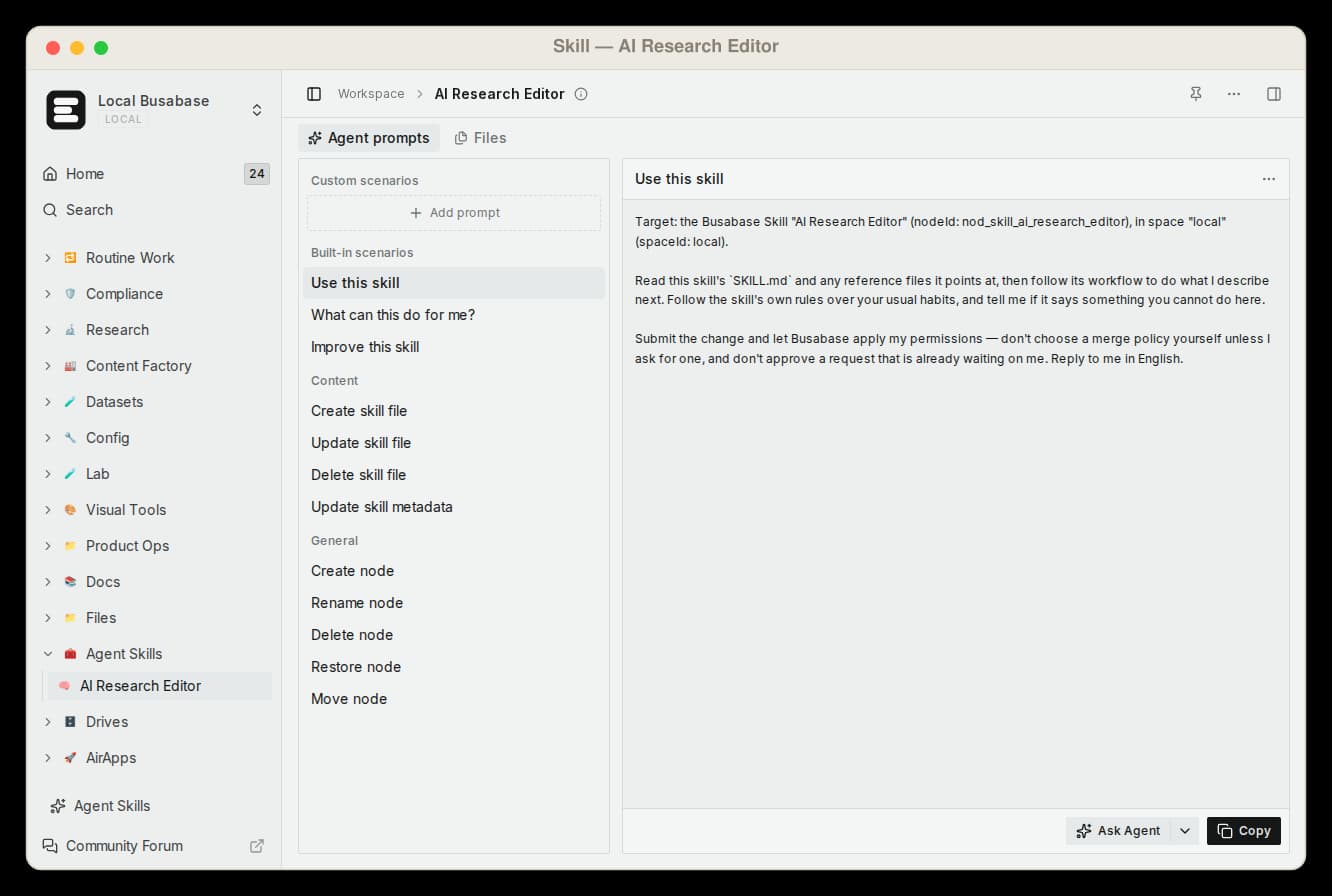
Skills Base
Save a workflow once as a skill, and any agent can run it next time.
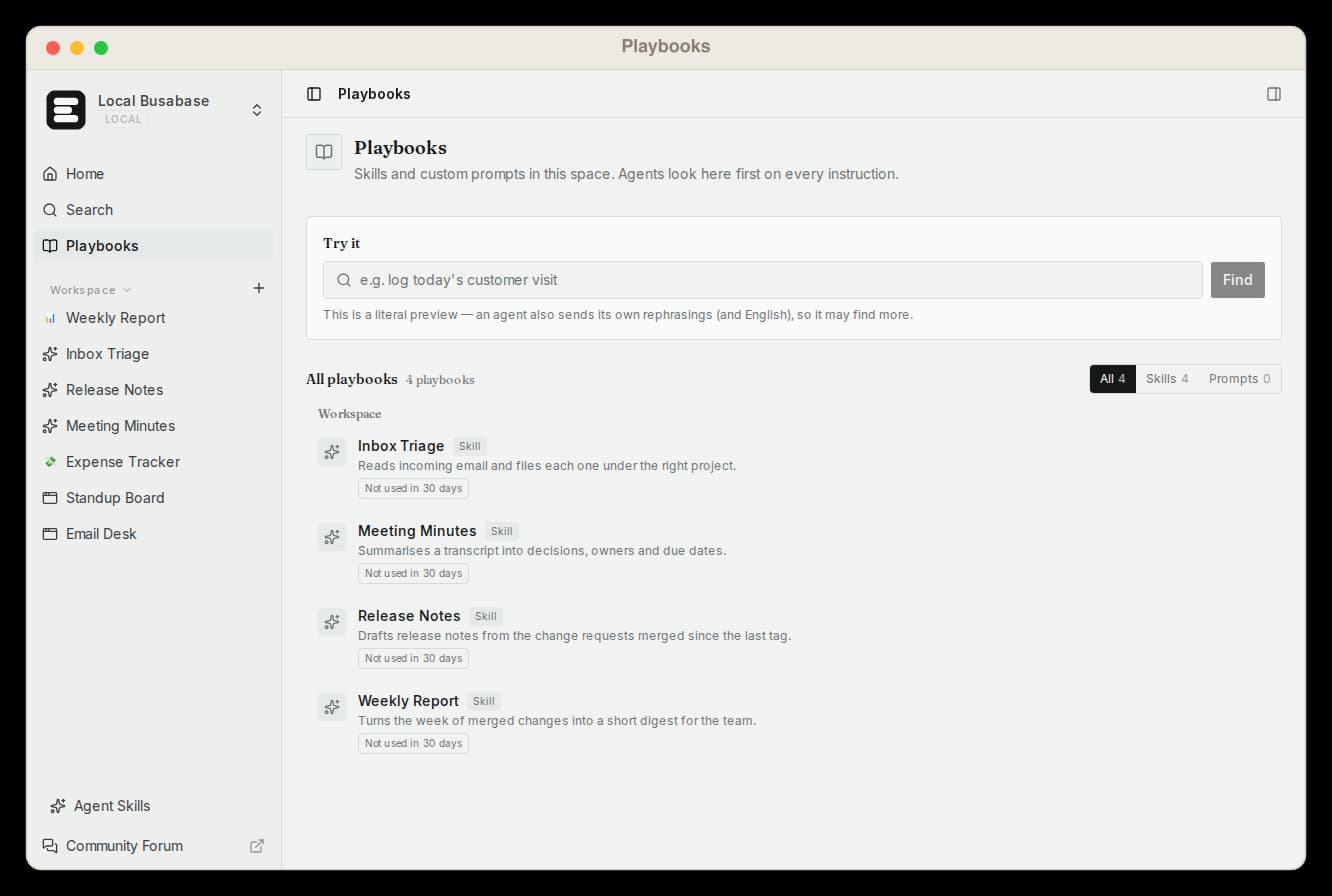
Playbook
Playbooks
Write down how your team does things. Agents check it before every task and follow it instead of improvising.
Agent Skill · MCP
External Agents
Talk to a connected agent right inside Busabase, or connect 40+ external agents over Agent Skills, MCP, and more — Claude Code, Codex, OpenClaw. Either way, they read and write the same workspace.
How it works
Plug in the agents you already use. Keep what they produce.
Nothing to switch: your agents keep working the way they do today — they just write here.
Connect your agents
 Claude Code
 Codex
 Muse
 Grok Bot
Log today's customer calls and update the CRM.
Claude Code, Codex, Cursor, n8n, or your own agent connects through Agent Skills, MCP, OpenAPI, or the CLI.
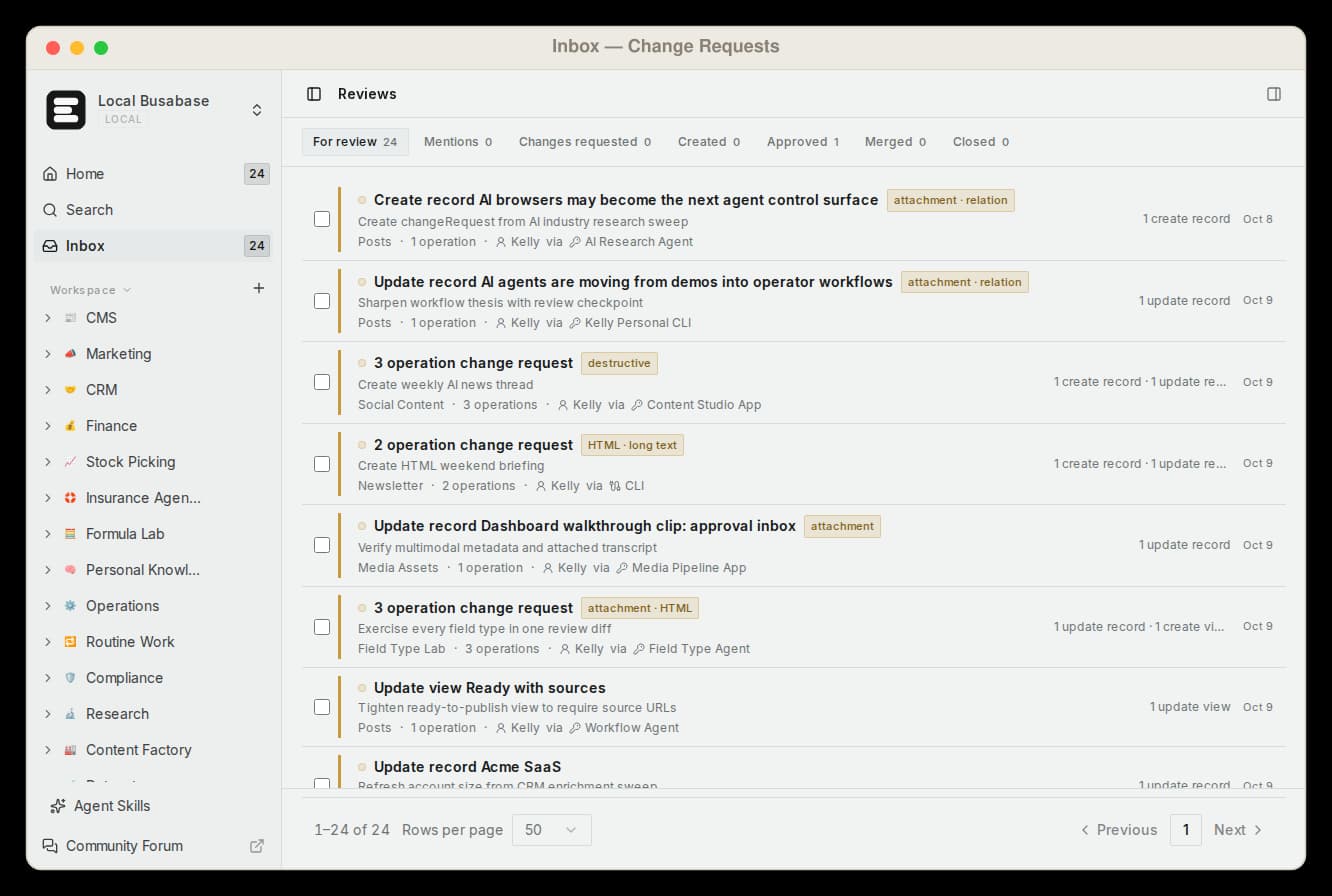
Every write is on the record
Each change carries who made it, what changed, and a full history. For the writes that matter, hold it for a person to review.
Reuse it next time
Data Base
Knowledge Base
Apps Base
Skills Base
The next agent, a teammate, or an AirApp reads the same data — nobody starts from zero.
For agents
Your agent can install Busabase itself
Busabase is the base your agents work from — and getting it into an agent takes one command, not an integration project. Skills teach the agent how to work in a workspace, plugins bundle skills plus MCP, and the hosted MCP server signs in with OAuth: no API key to paste.
Easiest: paste this into your AI
Read https://busabase.com/SETUP_SKILL.md and connect me to Busabase.Works in Claude Code, Codex, Cursor and any AI that can read a link. It signs you in through a browser link and recommends each choice — no API key to paste.
Install the skills
Agent Skills
One command installs the Busabase skills into Claude Code, Codex, Cursor and every agent that reads the Agent Skills format — including busabase-ops, the day-to-day operator playbook.
npx skills add busabase/skillsPlugin pages below
Plugins
Prefer a bundle? The Claude Code and Codex plugins ship the skills and the hosted MCP server in one install, with browser OAuth sign-in.
MCP server (Streamable HTTP)
Hosted MCP
Any MCP-capable agent can connect directly. OAuth sign-in in the browser — nothing to run locally, no API key to paste. Bearer API keys still work for headless automation.
https://busabase.com/api/mcpOpen source · Local-first
Your data, where you decide
Busabase is open source (MIT). The same engine runs on your laptop, on your own server, or in Busabase Cloud.
On your machine
Busabase Desktop
Data stays in a folder on your computer. No usage tracking, and it keeps working offline.
On your own server
Docker · self-hosted
Deploy it inside your company network. Your data never has to leave it.
In Busabase Cloud
Cloud
For teams that want to work together right away — nothing to install.
FAQ
Questions, answered
Is Busabase open source?
Yes. The local engine is open source — run it yourself, no SaaS required.
Can sensitive data stay inside our own network?
Yes. Busabase is open source (MIT): Busabase Desktop keeps data in a folder on your machine, and the Docker image runs on your own server inside your network. Cloud is optional — it is the same engine either way.
Which agents does it work with?
Any agent that can call a REST API — Claude Code, Codex, Gemini CLI, n8n, Zapier, LangChain, or your own. Paste the SKILL.md and go.
How is this different from Notion or a shared drive?
Notion and shared drives are cabinets for what people write, and AI chat tools forget when the session ends. Busabase is where agent work lands: typed data, docs, skills, and apps that every agent reads and writes through the same structure, with a history of every change.
What happens to rejected changes?
Rejected work never enters your canonical data. Every decision — approve, request changes, reject — stays attached so the record remains explainable later.
Is my data private?
Yes. With the local engine your data never leaves your machine; on Cloud it stays in your own space. You stay in control.
Give your agents a workspace worth building in.
Every change keeps its source and its full history. Start local for free, and add Cloud when your team is ready.