Onboarding Desk template: find missing accounts and equipment before day one
Use the Busabase Onboarding Desk template to track due-by-today onboarding items, enforce the 14-day access and laptop readiness rule, and keep IT, People, and managers aligned.

A new engineer signs an offer three weeks out, and every pre-start checklist looks green—until Monday morning arrives with no laptop, no single sign-on account, and a manager wondering whether IT or People owned the ticket. By week three, a missed 1:1 or stalled compliance module only surfaces when frustration shows up in a pulse check.
The Onboarding Desk template (busa-onboarding) turns those scattered handoffs into one shared desk inside Busabase. Instead of asking People Ops to chase five tools manually, installing the template stamps a Folder with four connected Bases—Hires, Signals, Onboarding Actions, and Weekly Onboarding Reviews—tracking every hire from signed offer through day 90 (and archiving after day 90).
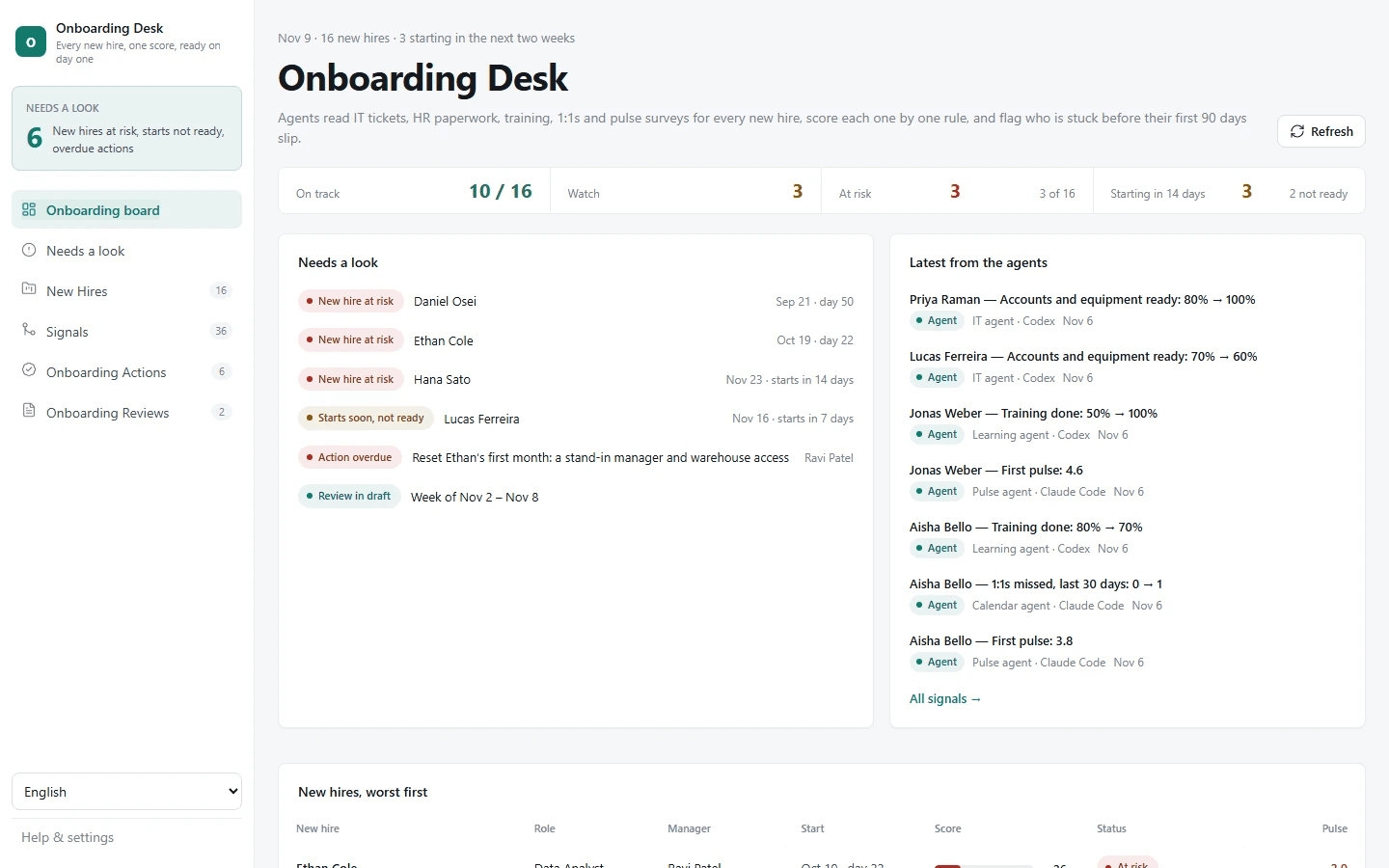
Four stamped Bases with clear source ownership
Installing busa-onboarding stamps every resource with appId: "busa-onboarding" and its exact resourceKey (hires, signals, actions, reviews). Agents always locate the desk by that stamp rather than by display name:
Hires: one row per new hire from signed offer to day 90. People ownrole,manager,buddy, andstart-date; operational agents keep only their assigned readiness measures current.Signals: an append-only timeline recording each movement (e.g.,Training done: 70% -> 55%) or qualitativenote(such as a visa delay or territory change), stamped withwritten-by,recorded-on,evidence(ticket, form, or module names), andsource-url.Onboarding Actions: remediation steps whenever a hire fallsat-riskor starts within 14 days without full access/equipment, owned by IT, People, or the manager—never assigned to the new hire.Weekly Onboarding Reviews: Monday digest reportingon-track,at-risk, andnot-readycounts plus week-over-week changes, drafted by an agent and finalized by a person.
Due-by-today denominators and the pre-start 70 rule
Each new hire's 0–100 score sums five 20-point parts computed identically in the app and by agents:
Measure (Hires field) | Source & maintaining agent | 20-point threshold |
|---|---|---|
Accounts & equipment (access-pct) | IT service desk & device inventory due by today (IT agent) | >= 100% |
Paperwork done (paperwork-pct) | HR contracts, right-to-work, tax, bank & policy items due by today (HR agent) | >= 100% |
Training done (training-pct) | Learning platform modules due by today; empty before due (Learning agent) | >= 95% |
Missed 1:1s (checkins-missed) | Manager/buddy 1:1s missed or cancelled without reschedule in last 30d; empty before day 1 (Calendar agent) | 0 missed |
Weekly pulse (pulse) | Latest 1–5 weekly pulse score; empty before first pulse (Pulse agent) | >= 4.5 |
Two details prevent false alarms while catching real stalls:
- Due-by-today denominators: a laptop due on day one is not marked "missing" three weeks ahead, and a completion rate can legitimately drop (for example, from 70% to 55%) when a new batch of modules reaches its due date.
- Missing reading = 10 points: when nothing is due yet (training before day one, missed 1:1s before day one, pulse before week one), that part scores 10 points—neither penalized as failing nor inflated to 20. Someone who has not started yet with every due account, device, and form complete scores
20 + 20 + 10 + 10 + 10 = 70(on-track).
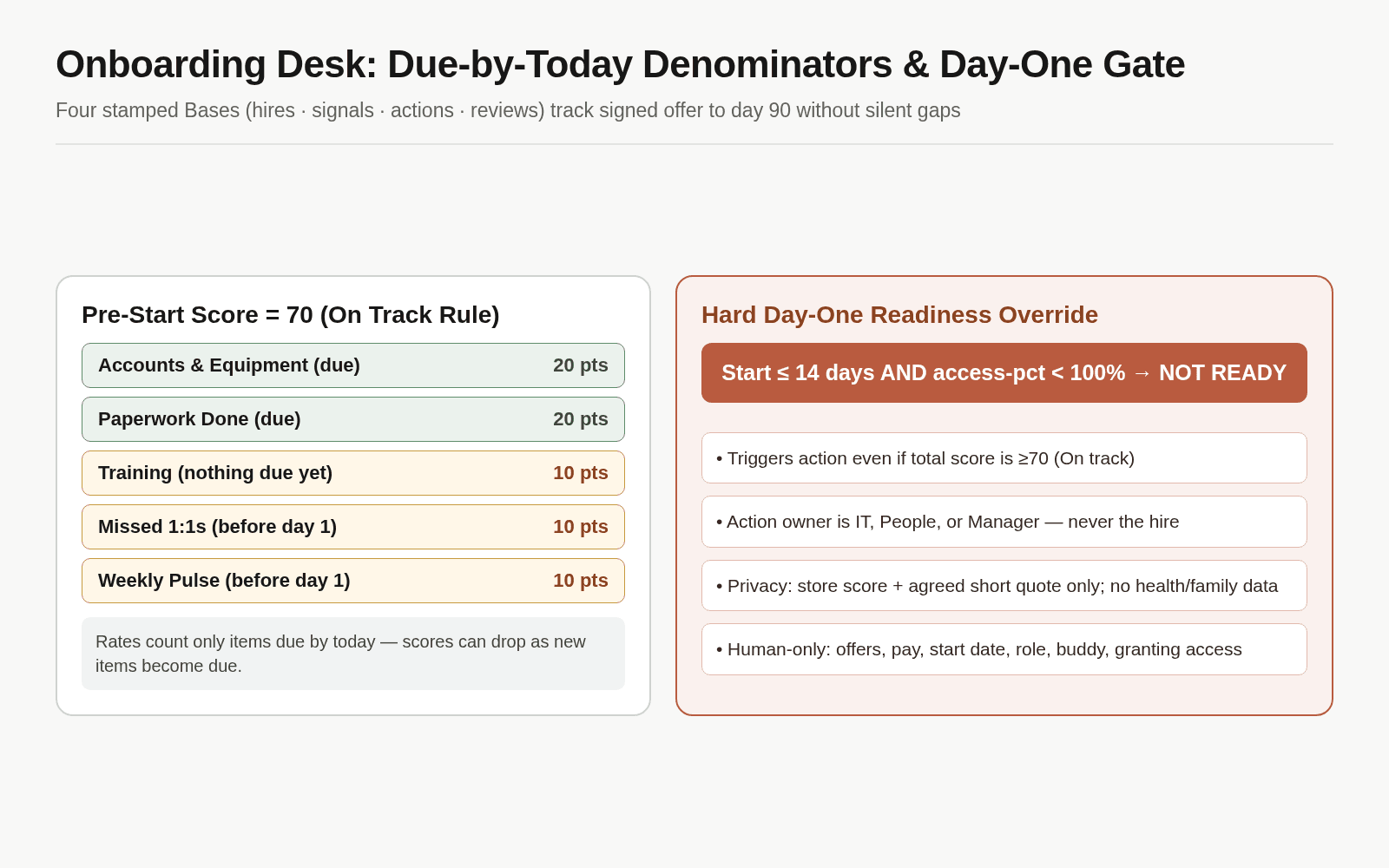
The 14-day day-one readiness override
Total score alone is not enough when day one is around the corner. Onboarding Desk enforces a hard rule: "Starting soon" means start-date is within 14 days, and anyone starting soon whose access-pct is below 100% is flagged Not Ready regardless of whether their overall score is on-track (70+).
That override forces an open Onboarding Actions item—naming which account or laptop is missing, who in IT, People, or management owns it, and a due-date before day one—so a missing laptop never hides inside a comfortable average score.
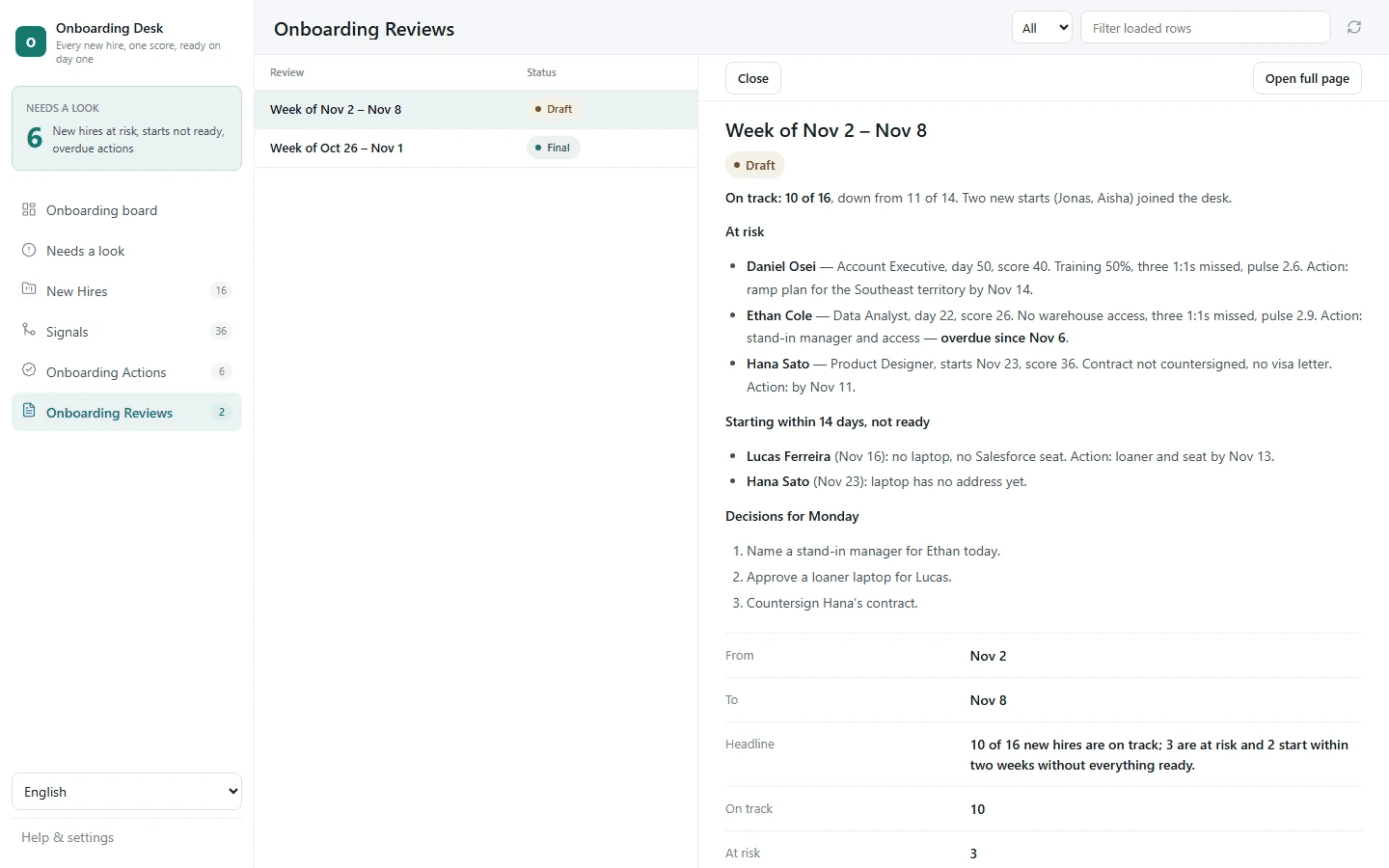
Privacy limits, human-only decisions, and ChangeRequests
Onboarding records touch personal information and employment terms, so busa-onboarding draws hard guardrails around what agents can write in a system of record for AI agents:
- Human-only employment decisions: agents never modify offers, pay,
start-date,role, reporting lines, orbuddy; never grant or revoke IT access themselves; never sign or send documents; and never message the new hire directly. - Pulse privacy: record only the 1–5 score and, at most, one short quote the new hire explicitly agreed to share—never paste full survey responses, health details, or family information into a record.
- Append-only history & permission-aware writes: agents never edit past
Signalsrows to rewrite history, and every write travels through ChangeRequests withautoMergeunset. Under achangeRequest-scoped API key, every proposal waits inin_reviewfor human approval; under awritekey, validated writes merge immediately while preserving why every update is authoritative and traceable.
Frequently Asked Questions
Why can a new hire's training percentage drop from 70% to 55% in week two?
Because completion rates count only modules due by today. When additional week-two modules cross their due date before the new hire finishes them, the denominator grows and the percentage drops—triggering a clear Signals entry instead of hiding behind an all-quarter total.
If a hire starting in 10 days has a score of 75, why does Onboarding Desk still flag them?
A score of 75 qualifies as on-track, yet the 14-day readiness gate checks access-pct < 100% independently. If an SSO account or laptop due by today is incomplete inside the 14-day window, the hire is marked Not Ready and receives an IT/People-owned action before day one.
What happens after day 90?
A hire stays on the active desk from signed offer through day 90 so early ramp signals, 1:1 cadence, and pulse checks stay visible; after day 90, the row is archived.