Shared Workspace for Cursor Agents: Turning Code-Session Outputs into Team-Reviewed Records
Cursor Agent sessions generate architecture notes, migration checklists, and bug findings that vanish when the tab closes. See how Busabase turns them into team-reviewed records.
Cursor Agents move fast inside a codebase: they trace dependencies, propose refactors, spot broken edge cases, and draft migration plans. Yet as soon as the IDE session ends, everything the Agent discovered outside the Git diff—why a route was kept, which API contract is fragile, or what still needs manual QA—stays buried in one developer’s local chat history.
When another engineer, PM, or AI Agent picks up the task the next day, they have to re-read the repo from scratch because the operational decisions never reached a shared team workspace.
What gets lost inside local Cursor Agent sessions
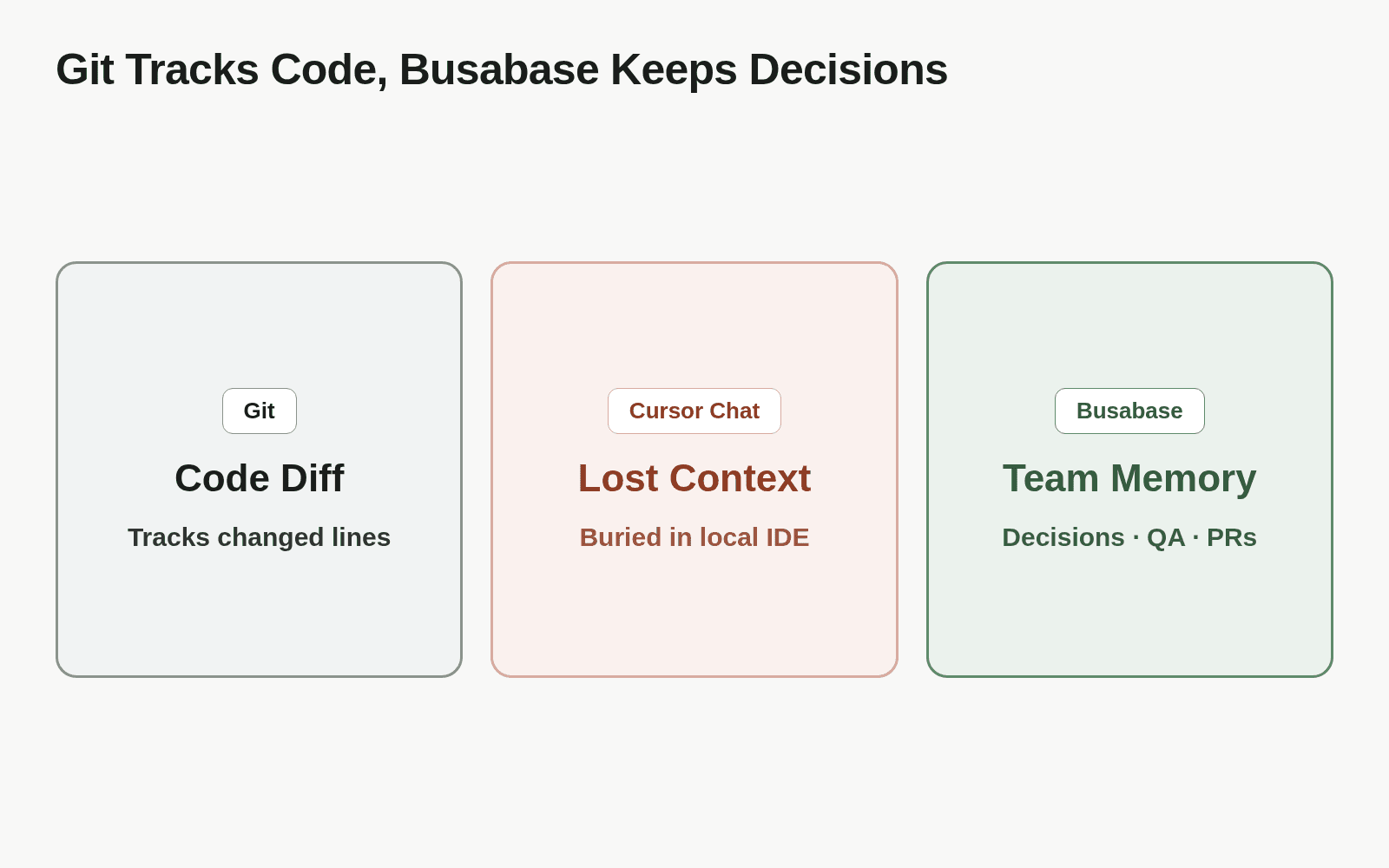
Git commits record what lines changed in code, not the surrounding operational state a team needs to ship safely:
- Architecture & migration decisions: Why one schema change was deferred or which legacy endpoint still has external callers.
- Cross-team handoffs: QA checklists, customer-facing changelog notes, and follow-up tickets discovered mid-refactor.
- Unverified assumptions: Findings an Agent flagged as needing a human check before release.
Keeping these outputs in local Markdown files or Slack threads scatters them across branches and chats.
Connecting Cursor Agents to a shared Busabase Base via MCP
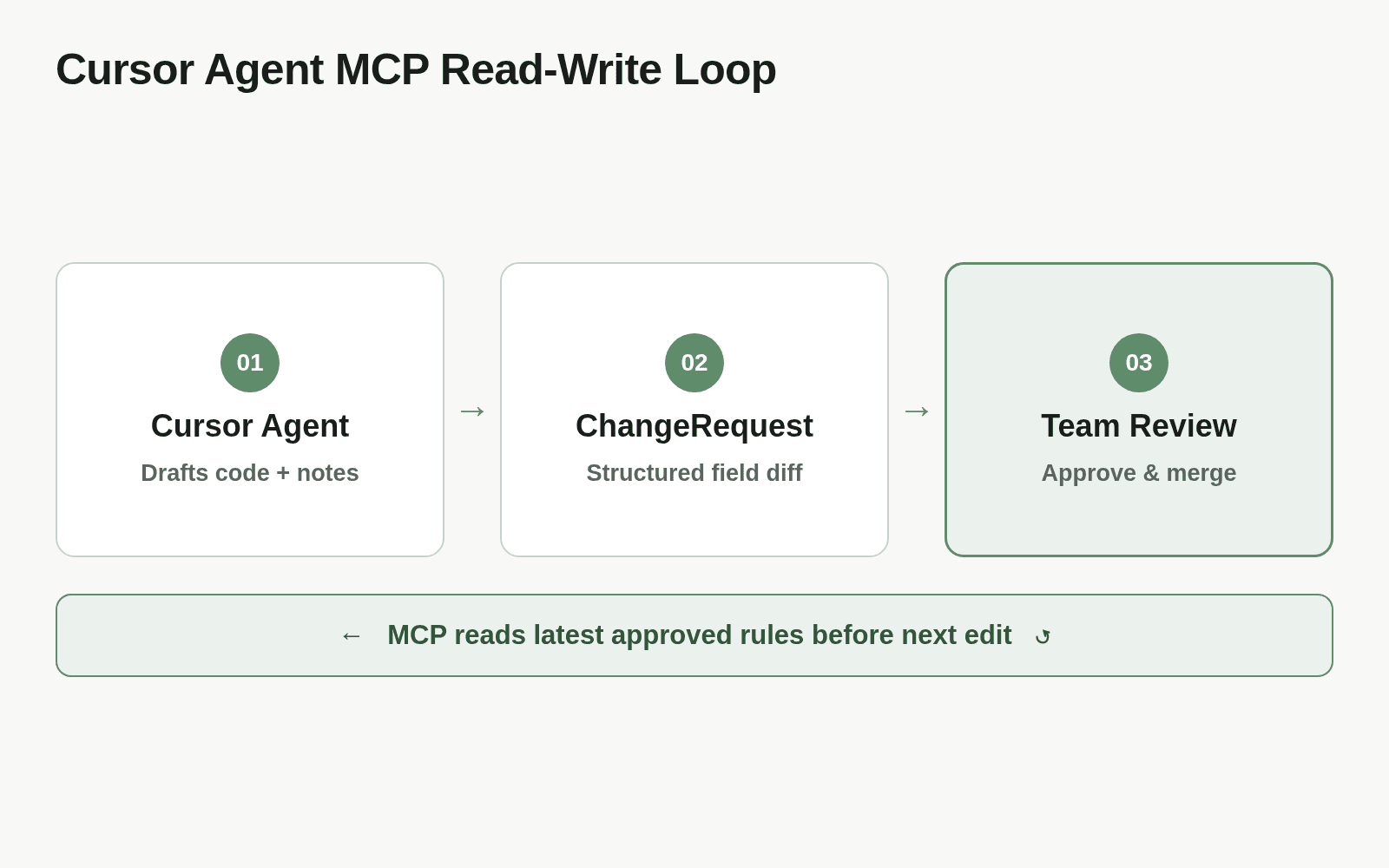
By connecting Cursor to Busabase through MCP, an Agent can read team context before writing code and submit structured operational records when a session finishes:
- Pull current decisions first: Before editing a module, the Cursor Agent queries the team’s shared Base for active constraints, known bugs, or schema rules.
- Propose structured outputs: Instead of printing a wall of text in chat, the Agent submits a ChangeRequest to log the migration plan, affected files, and open risks.
- Review and merge as a team: Tech leads or product owners inspect the exact diff in Busabase and merge verified records alongside the code PR.
A practical 4-column table for Cursor Agent handoffs
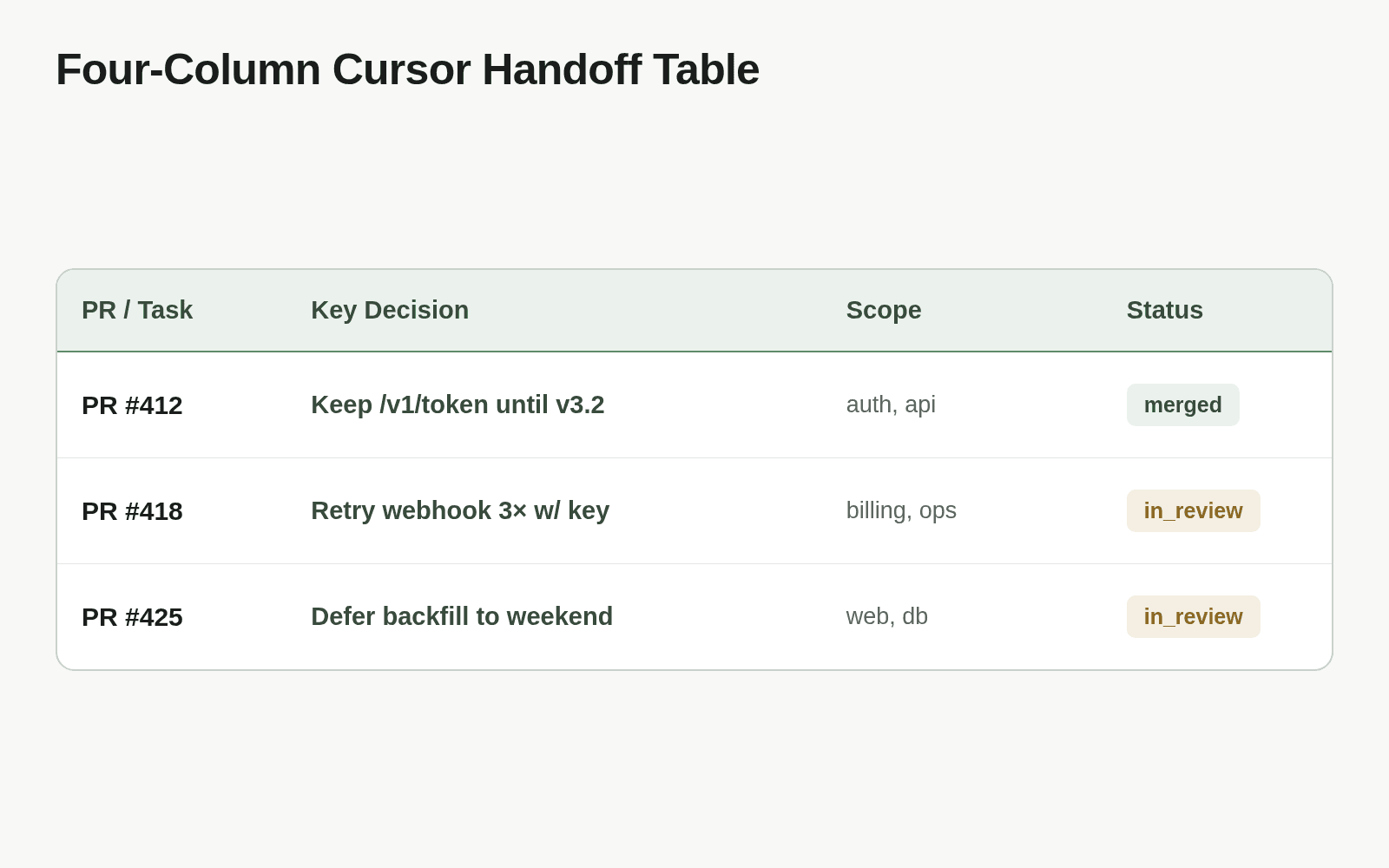
You do not need a complicated setup to start. A single Busabase Base with four clear columns turns ephemeral coding sessions into durable team memory:
| Column | Purpose | Example Value |
|---|---|---|
| Task / PR | Links the session to a trackable deliverable | PR #412 · Auth token refresh |
| Decision & Rationale | Captures why an approach was chosen | Keep legacy /v1/token until mobile v3.2 ships |
| Affected Scope | Lists modules, endpoints, or tables touched | packages/auth, docs/api-auth |
| Review Status | Separates Agent drafts from approved truth | in_review → merged by lead |
Why approval-first records matter for coding Agents
Letting an IDE Agent write directly into a live team database creates the same risk as letting it push straight to main. Busabase’s ChangeRequest workflow keeps speed and governance separated: the Cursor Agent drafts structured records in seconds, while humans approve what becomes canonical team knowledge.
Learn how to configure MCP connections and review policies in the Busabase documentation, or explore more Agent collaboration patterns on the Busabase blog.
Frequently Asked Questions
Does Busabase replace Git or GitHub pull requests?
No. Git tracks code diffs and branches. Busabase complements Git by storing structured decisions, QA checklists, release notes, and cross-team records that do not belong in source code comments.
How does a Cursor Agent write to Busabase?
Through Busabase MCP. The Agent reads existing Bases and submits proposals via ChangeRequest tools without needing direct production database credentials.
Can non-engineers review what Cursor Agents submit?
Yes. Product managers, operations leads, and QA reviewers can inspect the before/after diff in Busabase’s table interface without opening an IDE.